Always
Key takeaways
- The player is separate from your subscription; switching players doesn't change your channels.
- Xtream Codes support, a good EPG and hardware decoding matter most.
- Paid players often add polish, but free ones can work well for many viewers.
- Choose based on your platform first, then your viewing style.
What a Player App Does
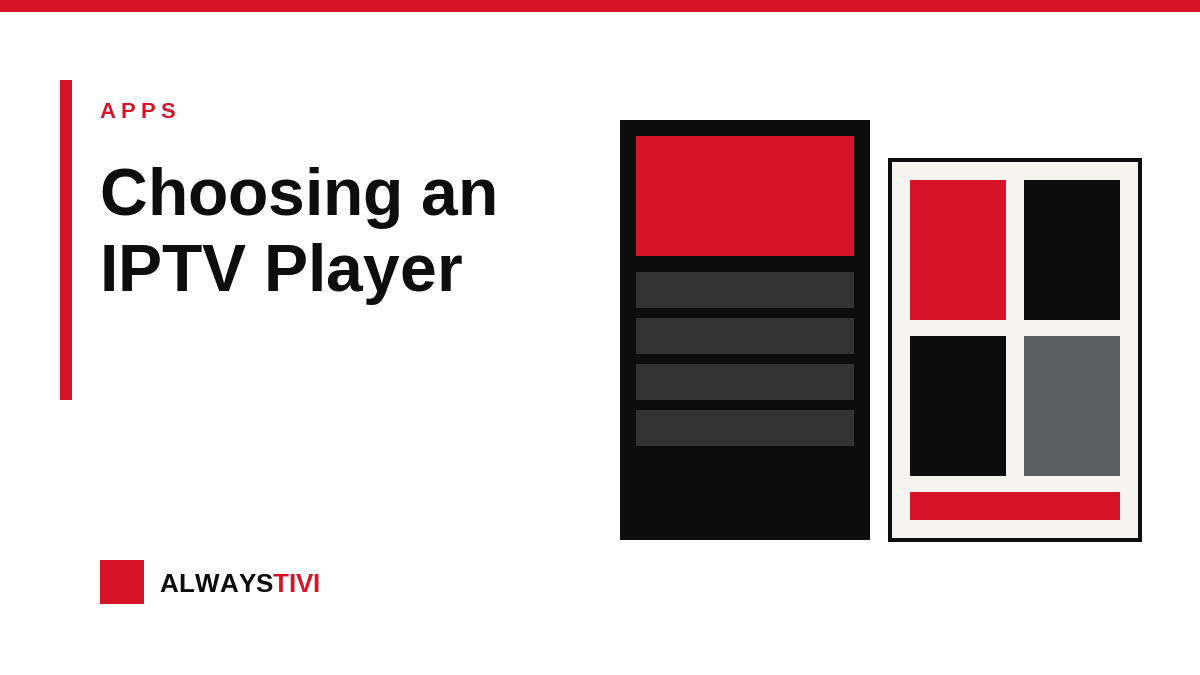
Your Always Tivi subscription gives you access to channels and on-demand content. The player app is the software that connects to that access, organises everything into menus and plays the video. Two players using the same login can look and behave quite differently — one may focus on a traditional TV guide, another on browsing films and series with posters and descriptions.
Because the subscription and player are independent, you can try different players with the same login until you find the one you like.
Features That Matter
| Feature | Why it helps |
|---|---|
| Xtream Codes support | Separate Live, Movies and Series sections and automatic guide loading |
| Good EPG display | A clear TV guide makes live channels easy to browse — see our EPG explainer |
| Favourites & custom groups | Turn a huge line-up into a short personal list |
| Hardware decoding options | Smoother playback, especially in 4K |
| Resume playback | Pick up films and episodes where you stopped |
| Multiple playlists / profiles | Handy for households with different tastes |
| Active development | Regular updates fix bugs and keep compatibility |
Options by Platform
Android TV, Google TV and Fire TV
These platforms have the widest choice. TiviMate is well regarded for live TV and its guide, while Smarters-style players offer an all-round layout with sections for live TV, movies and series. Fire TV users should check the Amazon Appstore first. See our Android TV box guide for setup and settings.
Samsung and LG Smart TVs
Smart TV stores offer a smaller selection of IPTV players. Many display a device ID or MAC address and let you add your playlist through the developer's website. Some charge an activation fee after a trial period.
Apple TV, iPhone and iPad
The App Store includes several IPTV players. Look for Xtream Codes support, EPG and, if you use several Apple devices, the ability to sync favourites.
Windows and Mac
Desktop IPTV players and media players that accept M3U playlists work well for watching on a computer, especially if you like to multitask.
Free or Paid?
Free players can be perfectly capable, particularly for occasional viewing. Paid players — usually a small one-time or yearly fee to the developer — often add a more polished interface, better guide features, extra customisation and quicker updates. Any app fee is separate from your Always Tivi plan and is paid to the app's developer.
A sensible approach is to start with a free or trial version, use it for a few evenings, and upgrade only if it suits you.
A Quick Checklist
- Is it available on my device's official app store?
- Does it support Xtream Codes as well as M3U?
- Is the guide clear and easy to navigate with my remote?
- Can I create favourites and hide categories I don't use?
- Does it offer hardware decoding or player engine options?
- Has it been updated recently?
- Is any fee reasonable, and is there a trial?
Choose the player for your platform first and your viewing style second — and remember you can always switch.
Ready to set up? Follow the Always Tivi setup guide, or compare plans on our pricing page.