Always
Key takeaways
- EPG is a separate data feed that tells your app what's on each channel.
- Guide data is matched to channels using an ID; a mismatch leaves gaps.
- Not every channel has guide data — that's normal.
- Most blank guides are fixed by refreshing EPG and checking the time zone.
What Is EPG?
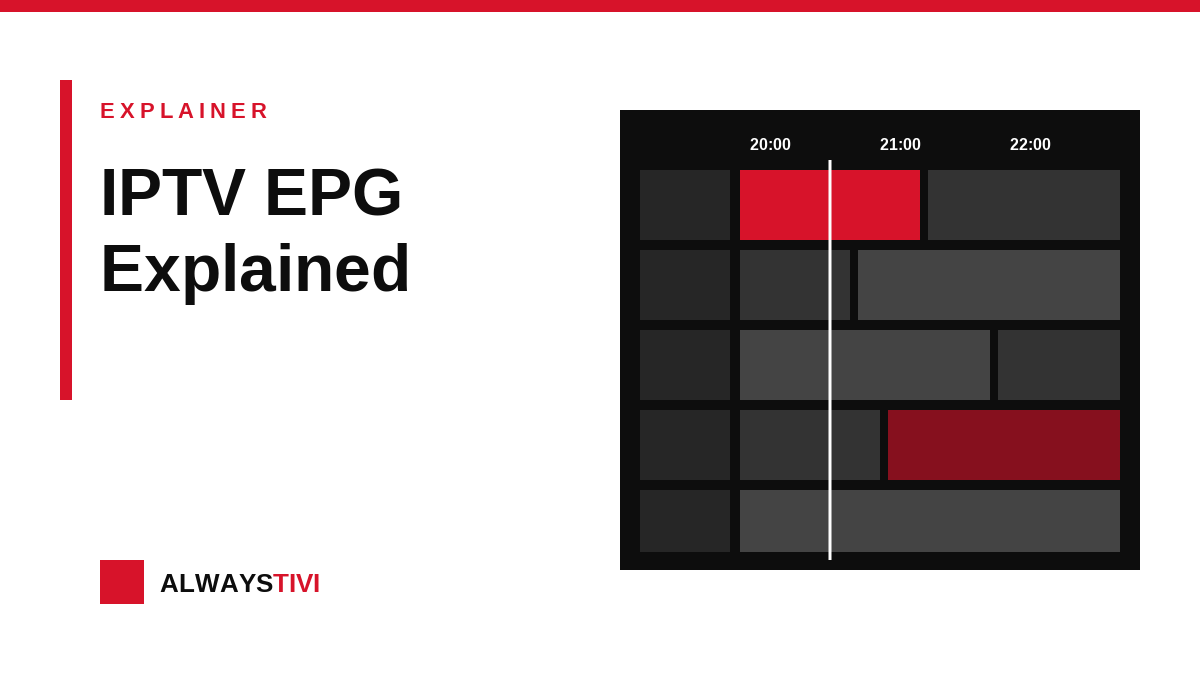
EPG stands for Electronic Programme Guide. It's the grid or list in your IPTV app showing what's on each channel now, what's coming next, and often the schedule for the coming days. A good guide transforms a long channel list into something you can browse like traditional TV.
In IPTV, the video streams and the guide information travel separately. The streams come from the service; the guide comes from a data file, usually in a format called XMLTV, that lists programmes, start times, titles and descriptions for each channel.
How EPG Data Reaches Your App
- Your app loads the channel list from your login (Xtream Codes or M3U).
- It downloads the guide data. With Xtream Codes logins this usually happens automatically; with M3U you may need to add a separate EPG URL.
- It matches the two using a channel identifier. When the identifier in the channel list matches one in the guide file, programme information appears beside that channel.
- It refreshes periodically, typically every day or on a schedule you set.
| Login type | How EPG is usually loaded |
|---|---|
| Xtream Codes | Automatically from the same server — no extra setup in most apps |
| M3U playlist | Either embedded in the playlist or added as a separate XMLTV EPG link |
Why Some Channels Have No Guide
- No data exists. Some channels, especially smaller or event-based ones such as PPV channels, don't have regular schedule data.
- ID mismatch. If a channel's identifier doesn't match the guide file, the app can't connect them.
- Data not loaded yet. Large guide files take time to download and process, particularly the first time.
- Time zone offset. If the guide seems shifted by an hour or more, the app's time zone or EPG offset setting may be wrong.
Fixing a Blank or Wrong Guide
- Refresh the EPG. In your player's settings, look for "Update EPG", "Refresh guide" or similar, then wait a few minutes.
- Check the date and time on your device. An incorrect clock can make the guide appear empty.
- Adjust the time offset. If programmes appear at the wrong times, change the EPG time shift in the app settings.
- Clear the app cache and reload your playlist if guide data seems stuck.
- For M3U users, confirm an EPG URL has been added if your playlist doesn't include one.
- Restart the app — and the device — after changing settings.
Getting More From the Guide
- Favourites view: show only your favourite channels in the guide for faster browsing.
- Reminders: some players can remind you when a programme is about to start.
- Search: look up a programme by name across all channels.
- Category filters: narrow the guide to sport, news, kids or a specific country.
Player features vary, so if a strong guide matters to you, choose your app accordingly — our guide to choosing an IPTV player compares what to look for. Setting up for the first time? See the Always Tivi setup guide.
Streams show you the picture; the EPG tells you what's on. When both are in sync, IPTV feels just like television.